

By Central Pay Commission Admin
No More Thumb Scans: How the Aadhaar Facial Attendance System is Ending ‘Proxy’ Presence in Government Offices
New Delhi | January 3, 2026
NEW DELHI: The days of pressing your thumb onto a greasy biometric scanner are numbered. In a decisive move to curb “proxy attendance” and improve hygiene, the Centre is aggressively pushing the Aadhaar-Based Facial Recognition Technology (FRT) for all central and state government employees.
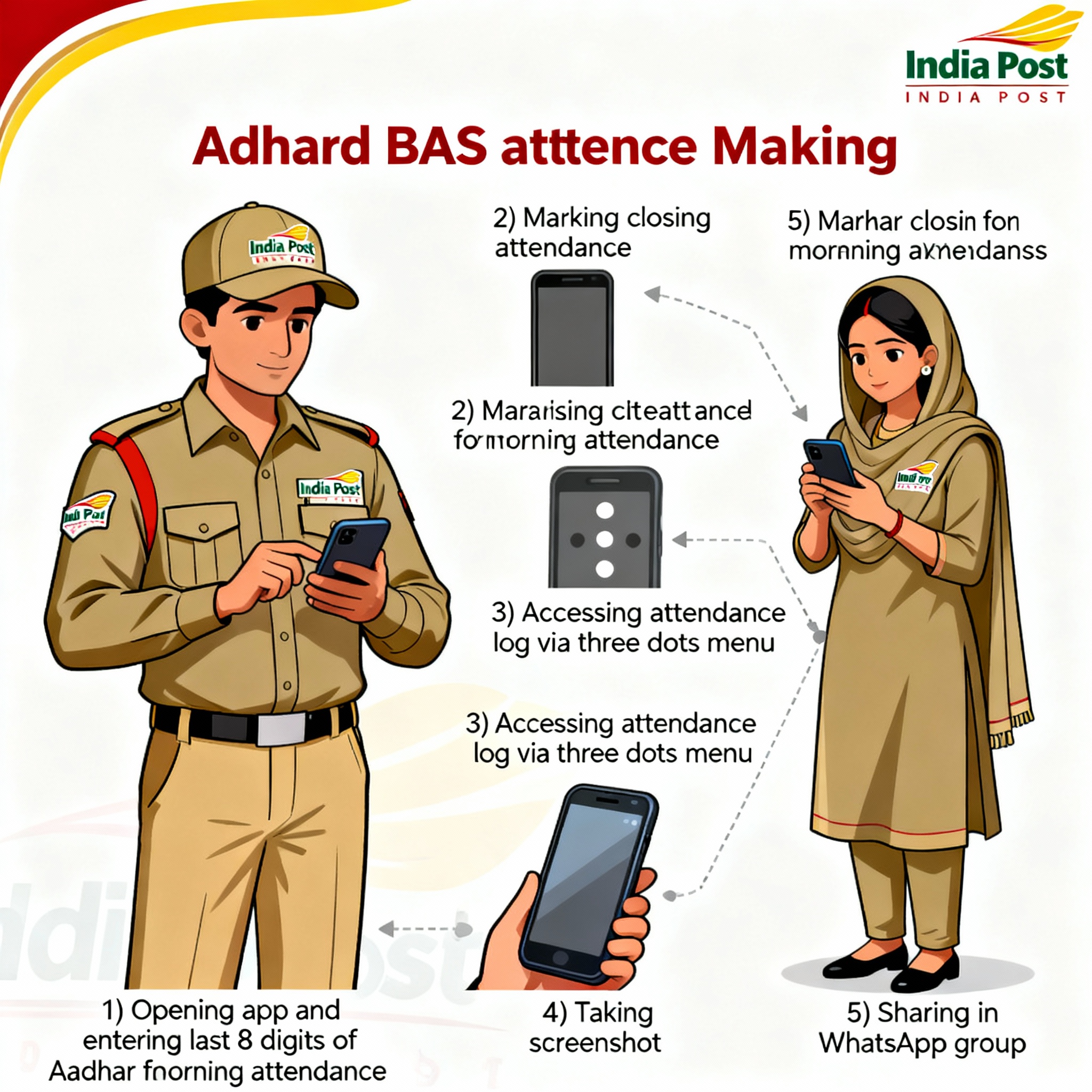
Unlike the old fingerprint machines, which often failed for staff with worn-out prints (especially field workers and Gramin Dak Sevaks), the new system uses the Aadhaar FaceRD App. It captures your live face, matches it instantly with the UIDAI database in real-time, and marks your attendance with zero physical contact.
📱 Why the Switch to Face Auth?
The Department of Personnel & Training (DoPT) cites three critical reasons:
- Liveness Detection: You cannot fool the app with a photo. The AI checks for eye blinks and natural movement, making it impossible to mark attendance for an absent colleague.
- Geo-Fencing: The app records your exact GPS location. If you are not within the office premises (or your designated beat for field staff), the attendance is rejected.
- Universal Success Rate: Face auth has a success rate of over 99%, whereas fingerprint scans frequently fail for older employees or manual laborers.
How It Works: The UIDAI FaceRD Mechanism
For the system to work, the office administrator must first register the employee’s Aadhaar number in the AEBAS Portal. Once registered, the process is simple but strict:
The employee opens the specialized department app (which runs the UIDAI FaceRD service in the background). The camera captures the face, encrypts the data, and sends it to the UIDAI server. If the face matches the Aadhaar record and the GPS coordinates match the office location, the “In-Time” is logged instantly.
| Feature | Old Biometric (Finger) | New Face Auth (AEBAS) |
|---|---|---|
| Hardware | Dedicated Scanner Required | Any Android Smartphone |
| Hygiene | High Contact Risk | 100% Contactless |
| Spoofing | Possible (Latex prints) | Impossible (AI Liveness) |
The Challenge for Field Staff
While desk employees have adapted quickly, the rollout has been tricky for field staff like Postmen and Railway Track Maintainers. Poor lighting conditions in remote areas or low internet connectivity can cause authentication failures. To counter this, the UIDAI has updated the FaceRD app in 2026 to work with “low-light enhancement” and store timestamps locally until connectivity is restored.


